Here are the steps to use OpenVPN:
Step 1: Get OpenVPN profile to access OpenVPN server
https://178.237.56.4/ - navigate to this IP and use the credentials from your e-mail to login.
From Access Server screen, download OpenVPN Connect software and also a OpenVPN profile. (auto-login)
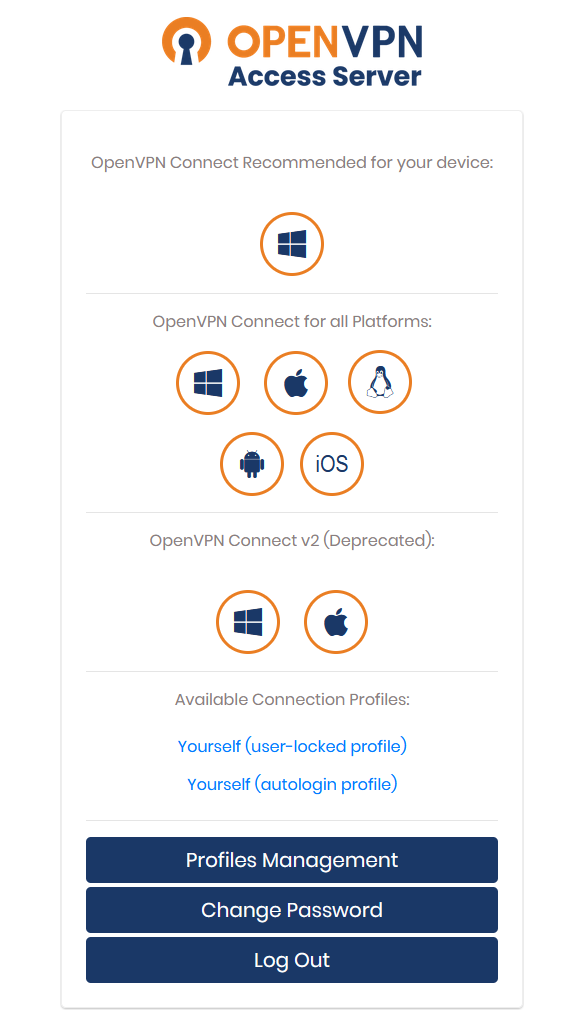
Step 2: Install OpenVPN Connect software:
https://openvpn.net/client/client-connect-vpn-for-windows/
Step 3: Use credentials for login to VPN:
Once software is installed, login using your credentials sent via email.
This will help you connect VPN server. Once you login to the VPN, you can move to next step.
Step 4: Connect IPMI via browser
Use your BMC/IPMI/iDRAC/iLo IP that is sent on email: (example 10.0.92.255) on a browser window using SECURE connectivity:
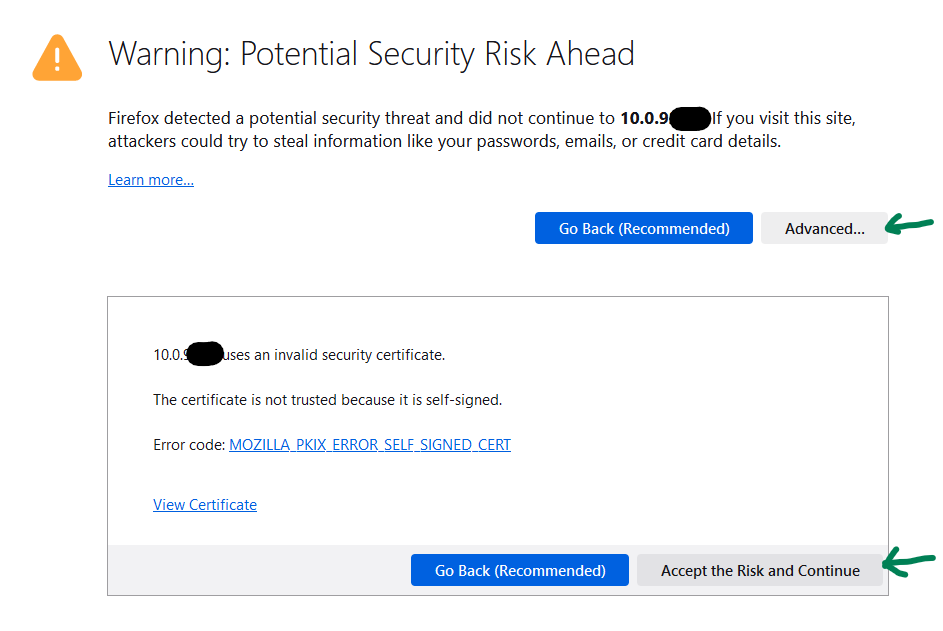
You will get a warning for "Potential Security Risk Ahead", which you can ignore. (Click Advanced and Accept the Risk and Continue)
Step 5:
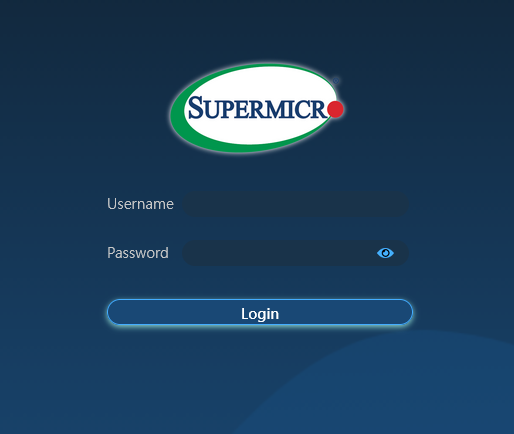
Use your BMC/IPMI/iDRAC/iLo credentials on the browser interface to login to IPMI of your server.